

THE WIZARDS CHOICE

What is the wizards CHOICE?
The Wizards Choice is an all in one place featuring hand selected products straight from The Welsh Wizard himself, featuring our favourites to help you get involved with what WWScenics is all about.
Getting started
Just getting into static grass, Modelling, or looking for the perfect gift for a fellow hobbyist? This is the place to get involved!

The Pro grass layering system
The Best entry point into Static Grass
This all in one kit is the perfect way to introduce static grass to your own layouts, or introduce someone else! This kit has everything you need out of the box to give your scenery game a huge upgrade.
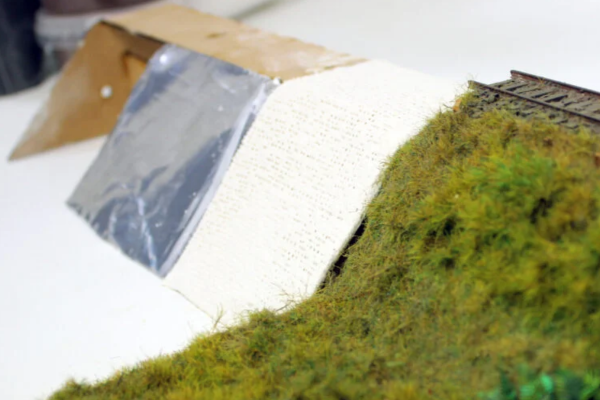
The 5S SYSTEM
Create Perfect Embankments Every time!
The 5S System Kits are the number one way to create the best embankments on the market, coming with everything you need with a great step by step tutorial to get stuck in.
The Wizards Choice
Featured product choices straight from The Welsh Wizard himself, With over 15 years of experience, and an expert in what we offer.
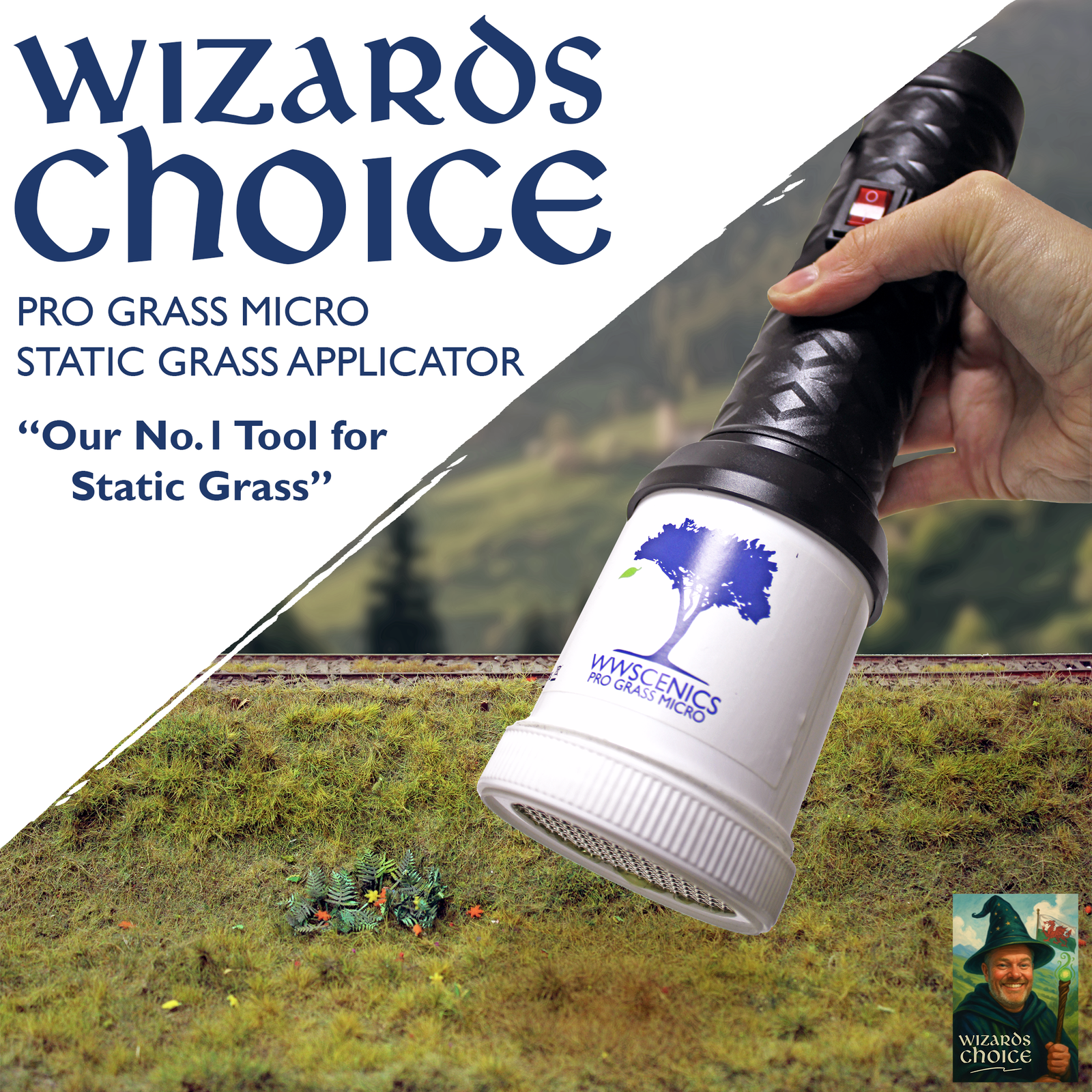
PRo grass micro applicator
The Perfect Starter Unit!
Looking for a perfect standalone applicator? Our Pro Grass Micro is the best to get started! Best with 2-6mm Grasses.
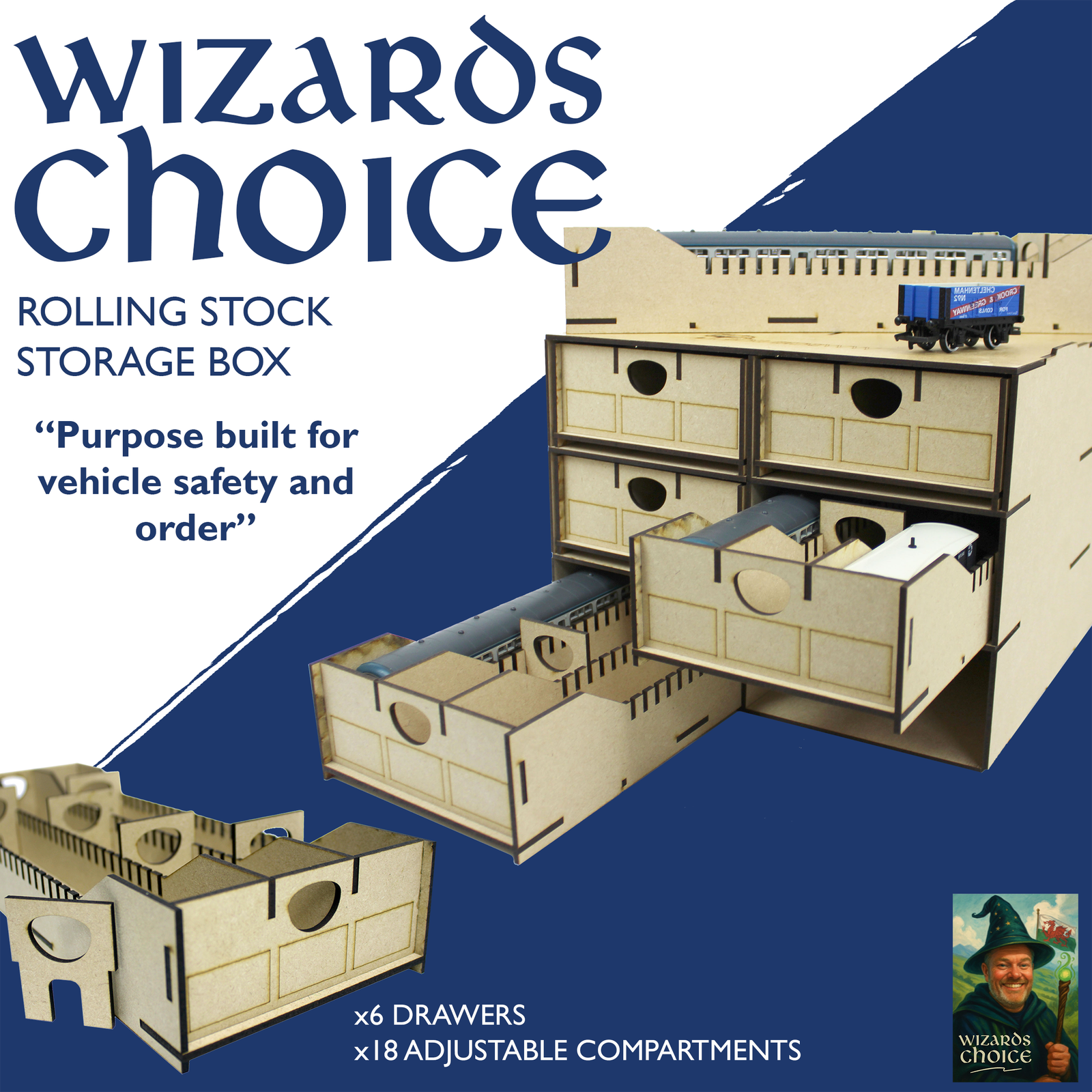
Rolling Stock Storage box
Safe and Secure Loco Storage!
Access your fleet at a glance! With 18 adjustable drawers to safely secure OO Gauge Locos!

SPRAY Adhesive CANS (uk)
The key to perfect Static Grass and Foliage!
Nothing beats our Spray Adhesives for making realistic Grass and Foliage layers! And it is so easy to use!
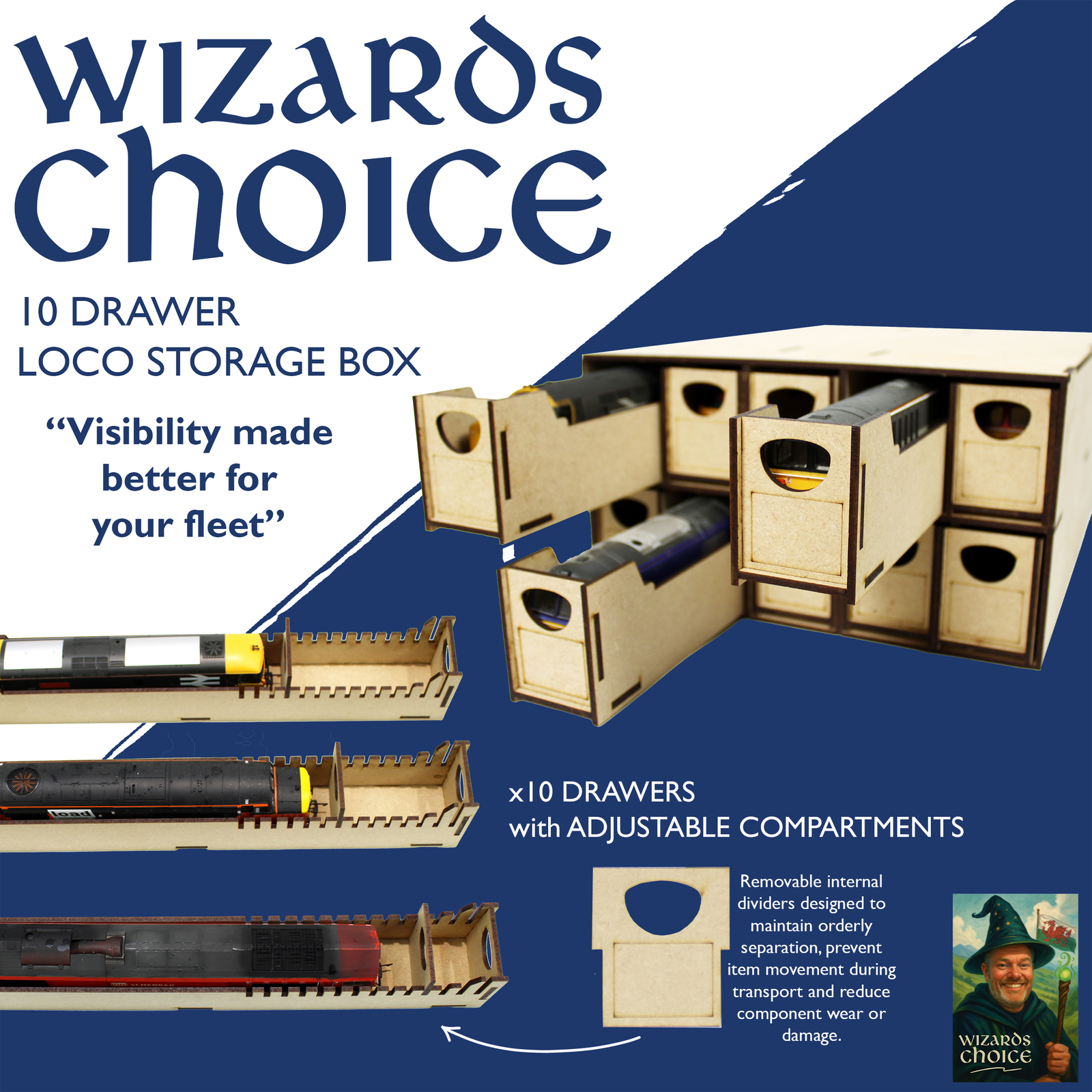
10 Drawer Loco Storage box
Compact and Sturdy Storage
Perfect to keep OO Gauge Locos super secure and organised, With labelable drawers, there is no fuss in finding the one you need!
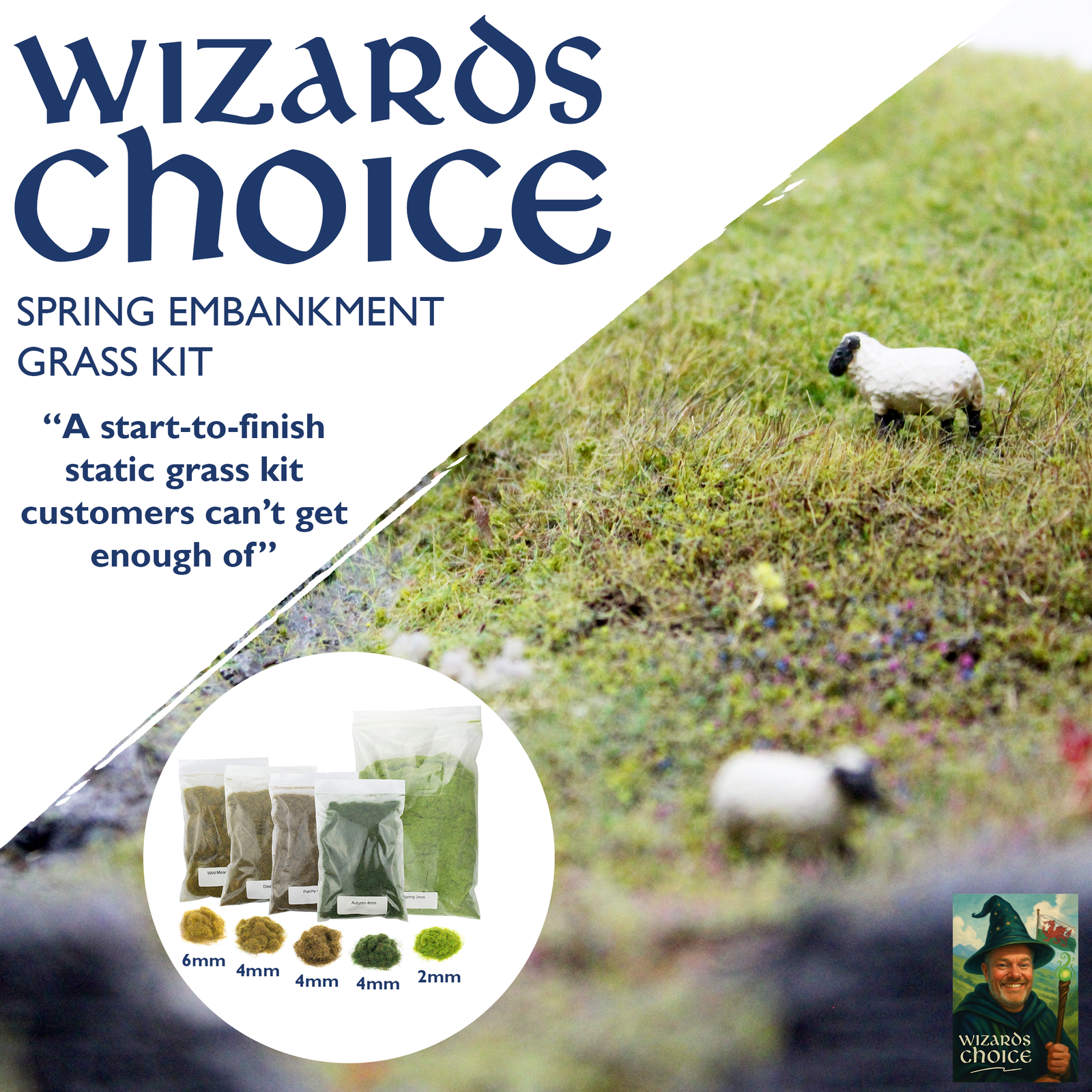
Static grass embankment kit
Perfect for testing the waters
A perfect bundle of mixed grasses to find a method and mix that suits you best! A Perfect place to start or try something new!

Four seasons Static Grass kit
A larger kit, with a huge variety!
A bundle with all seasons in a load of lengths! This one is great for trying new shades and lengths with its huge variety!

THE d-bALLER
Our essential static grass tool
The D-Baller was specially designed for breaking up those pesky static grass clumps, especially effective with longer length grass! This one is an essential pick.
Advanced products
Products designed for more advanced uses, for the largest projects to the littlest details

pro grass grand applicator
The biggest applicator for the biggest projects
Able to handle from 1mm all the way up to 12mm Static Grass with its 3 Interchangeable heads, this unit packs a huge punch for larger projects.
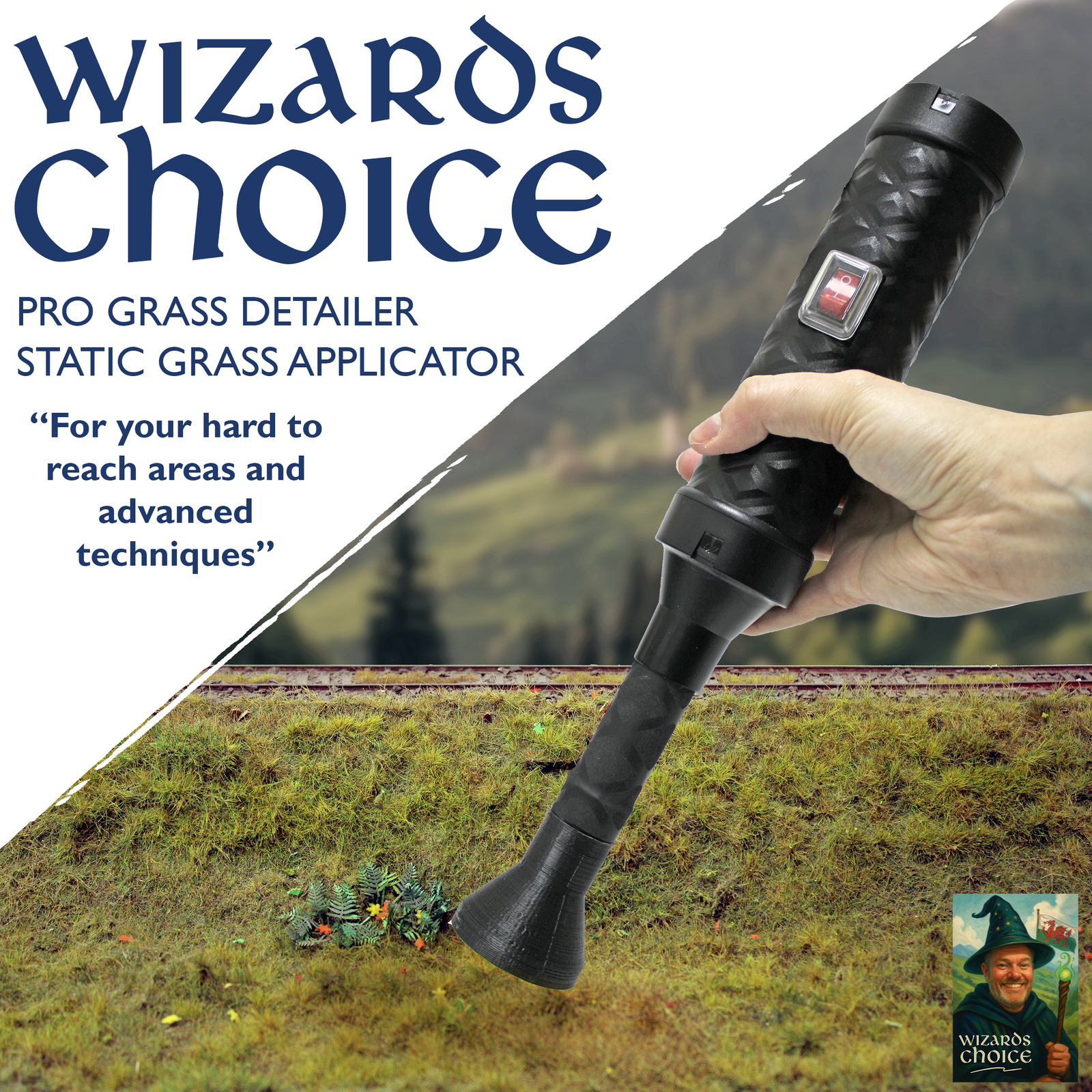
pro grass detailer applicator
Perfect for the smaller spaces
Its in the name! The Detailer is perfect for getting into those hard to reach places and adding the fine finishing touches to your Static grass layers!

Ultimate Starter Bundle
Everything you need for your model landscapes
This in-depth kit contains everything you need for model landscaping from start to finish, all you need is a surface to get started!
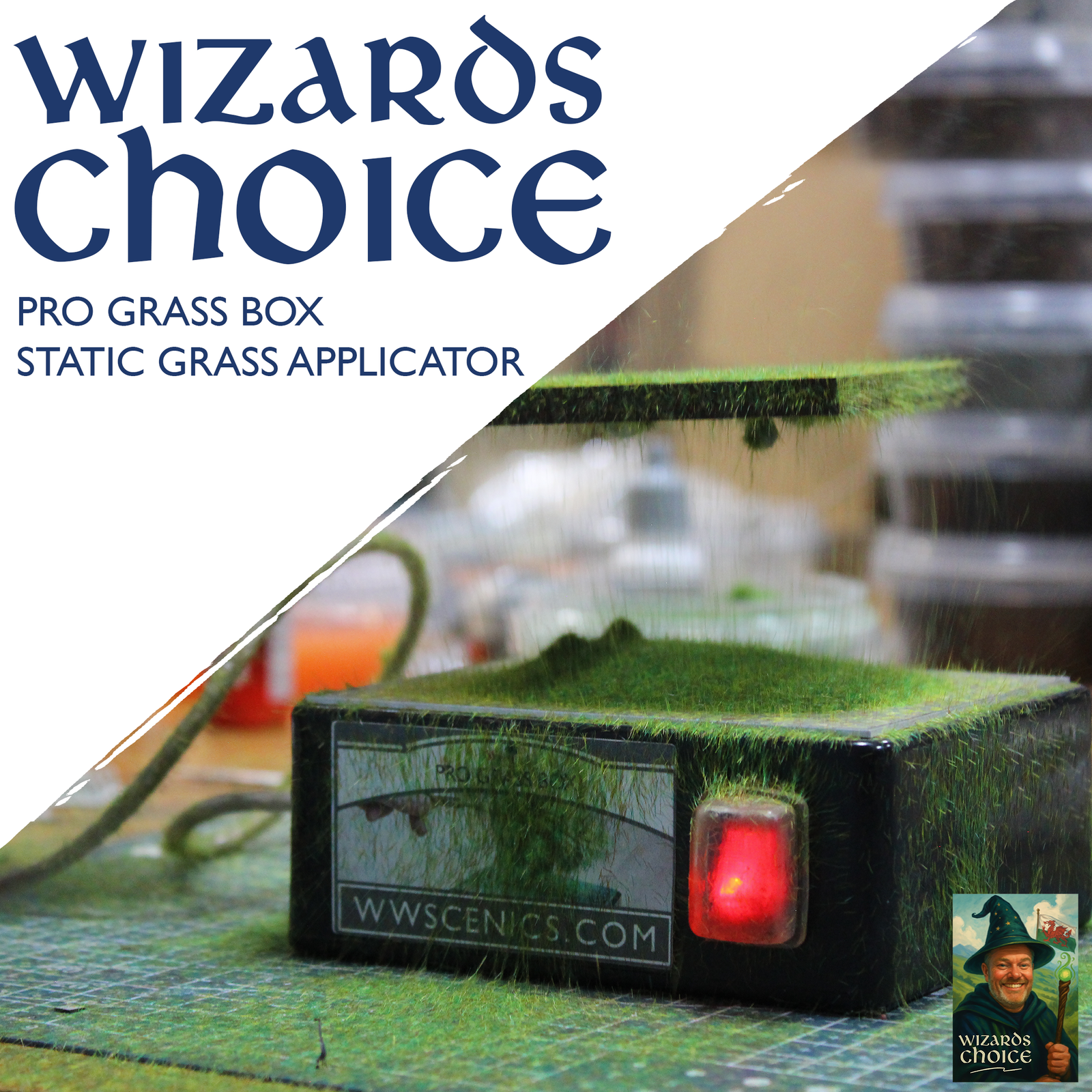
Pro grass box applicator
The Ultimate tool for making Tufts & Trees
Its like Magic, but can take practice! Our box applicator is undeniably the fastest and most efficient way to make Model trees and Tufts!
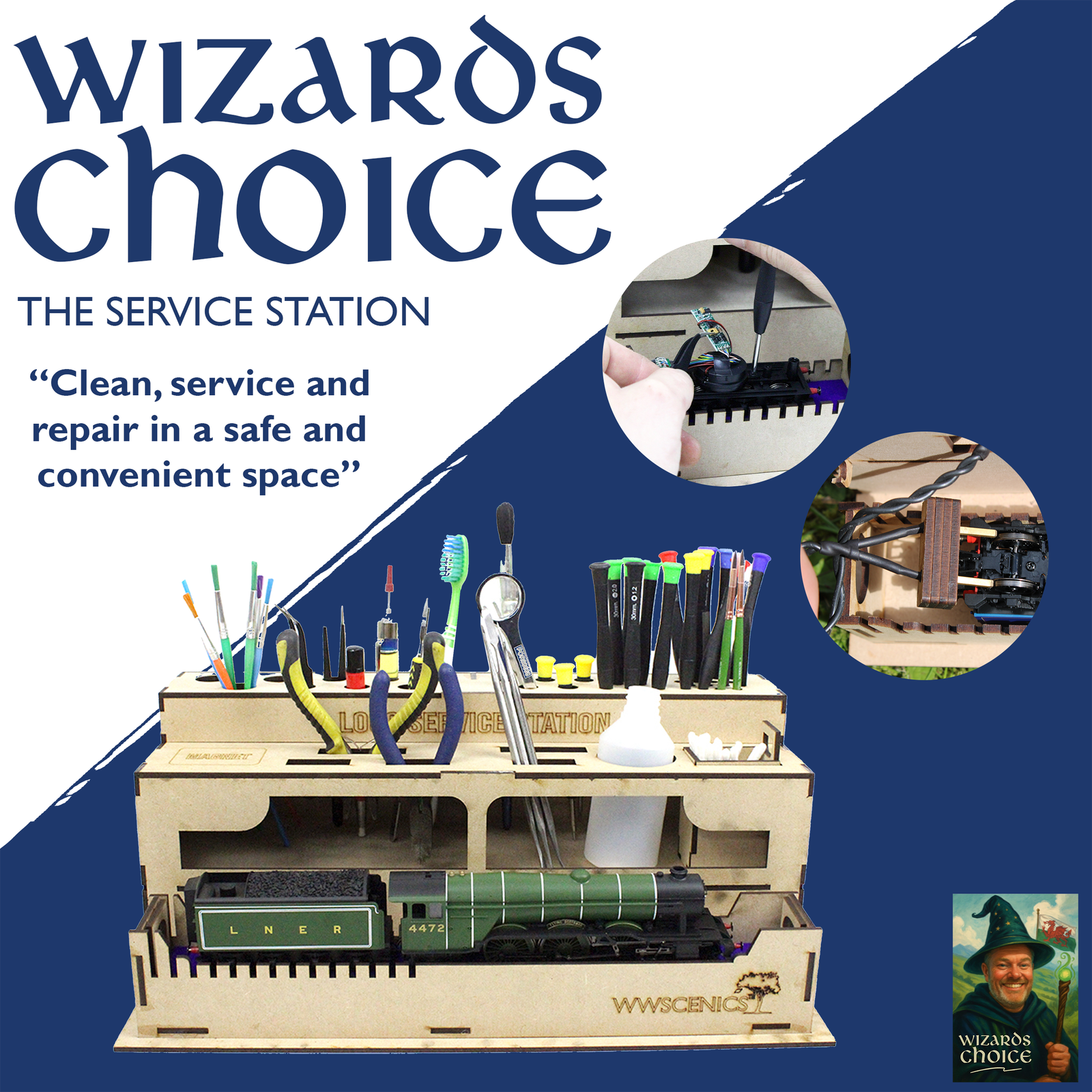
the loco Service station
The one stop shop for locomotive servicing
Our service station will become a complete solution for your servicing needs, from tool storage to a built in electric wheel tester!

model PAINT STATIONS
Organised, Large capacity paint storage!
These compact and convenient paint stations are a must get, they are stackable and come in multiple versions including corners!
Special Storage Bundles
Looking to store more locos? Need multiple boxes? Grab a bundle and save money!
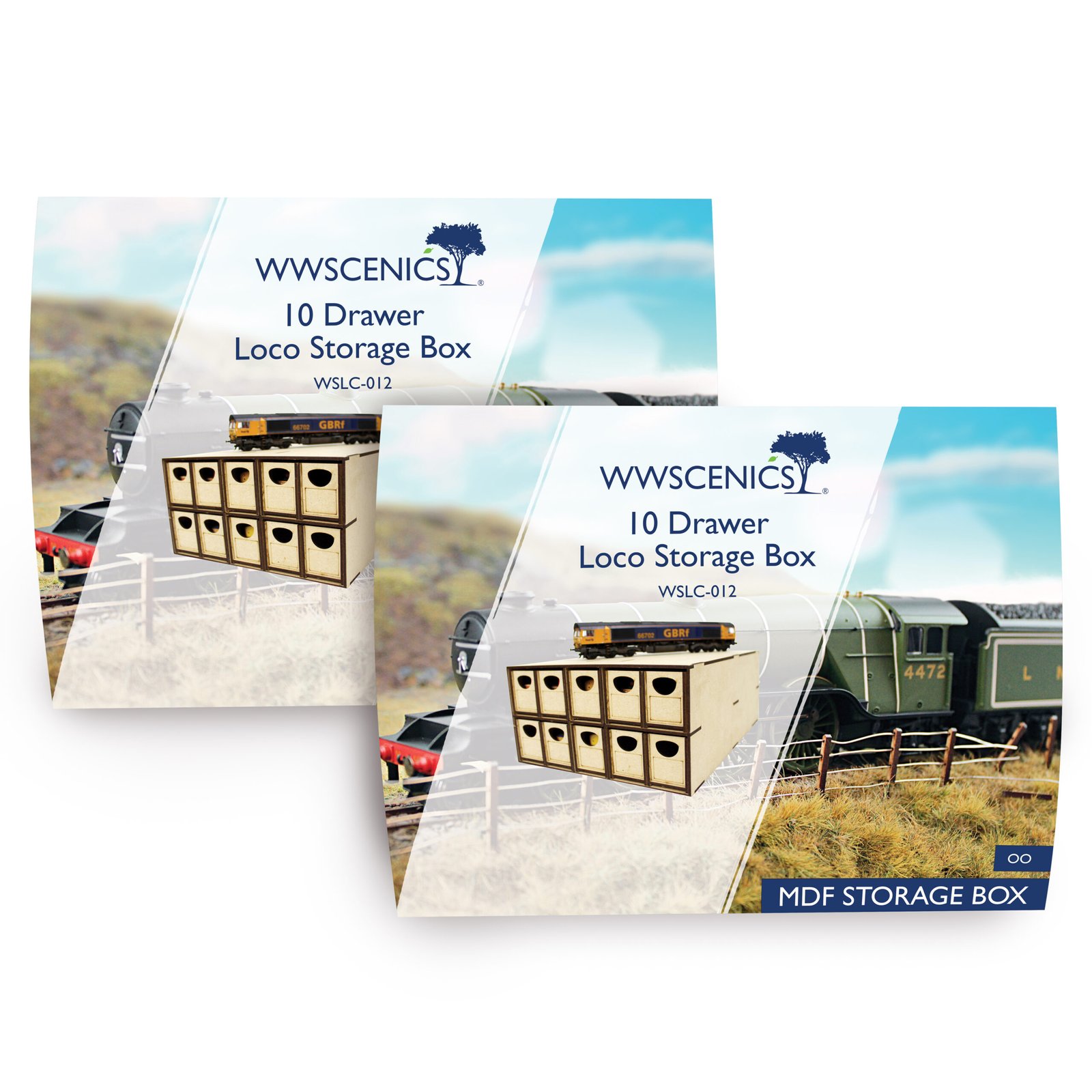
OO Gauge 10 drawer double pack
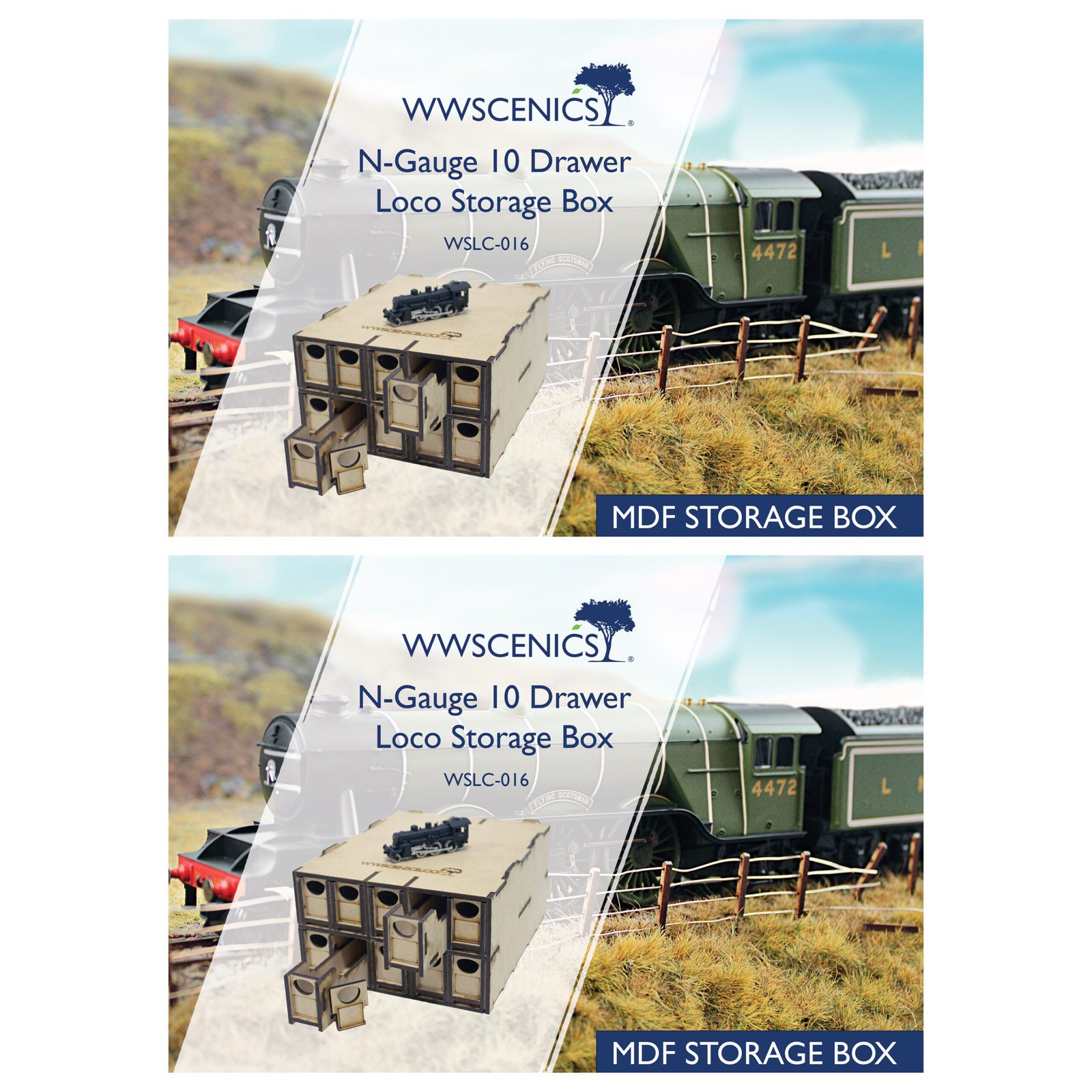
N Gauge 10 drawer double pack
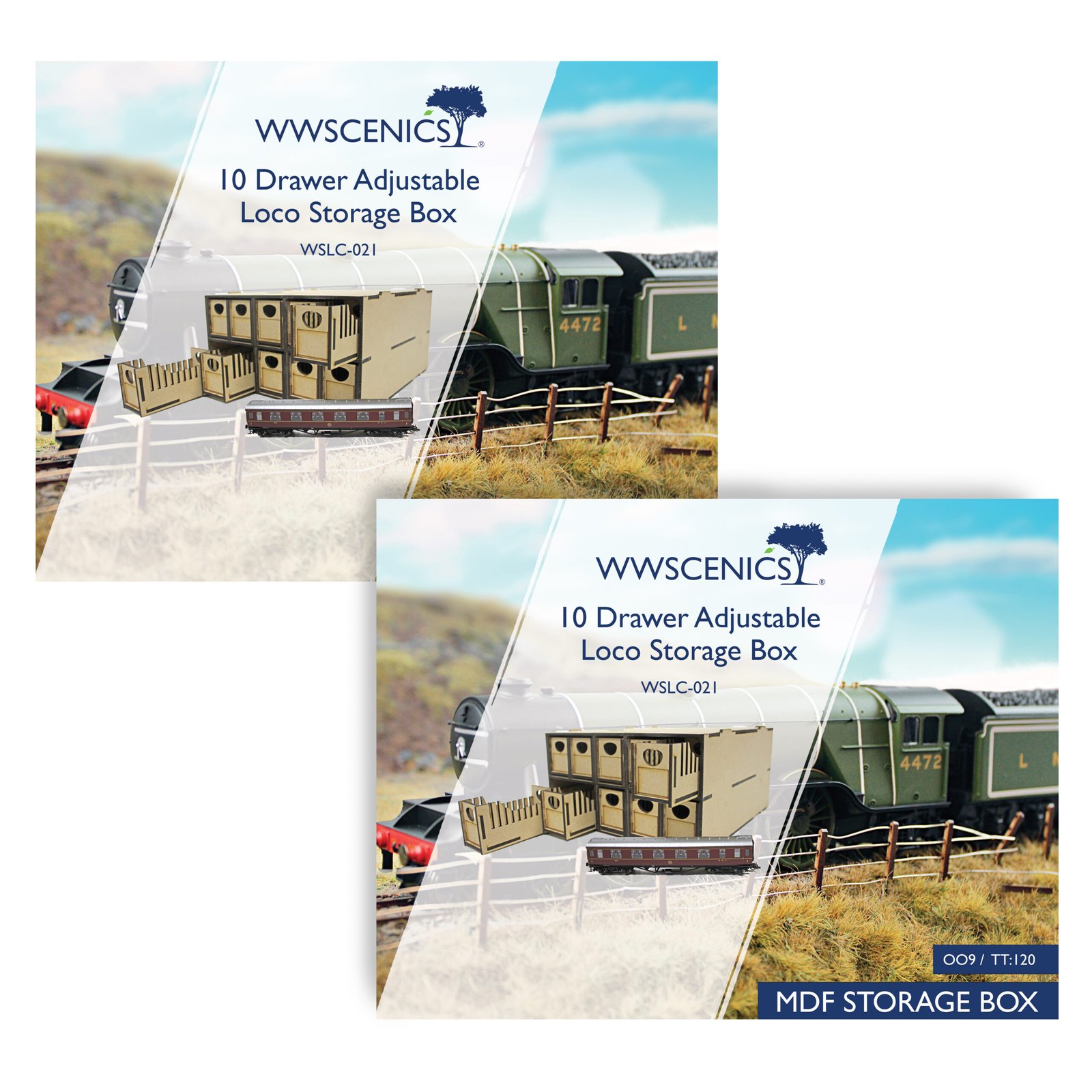
TT:120 10 Drawer Double Pack
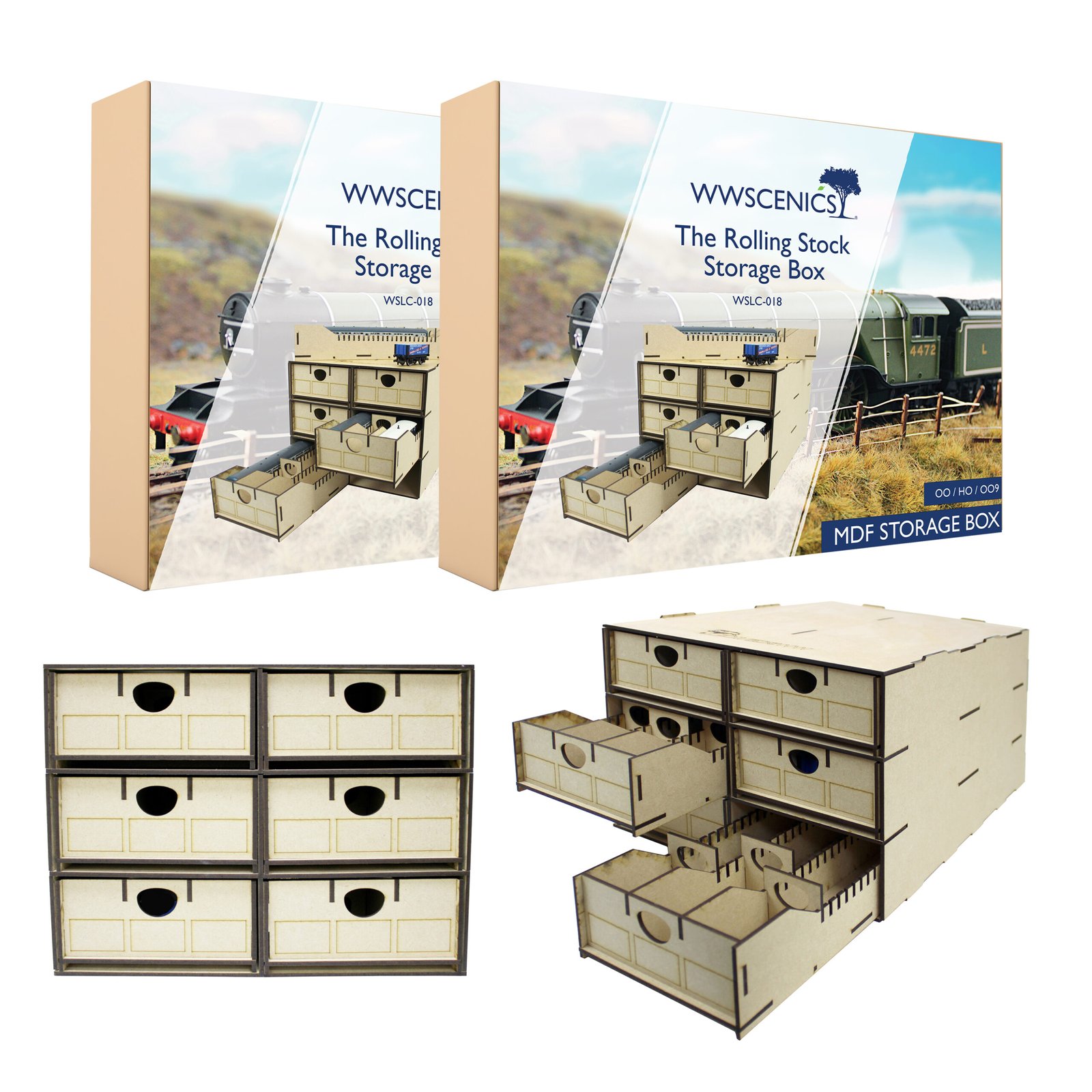
Rolling Stock Double Pack
Sign up to scenery news
Bringing You the latest News from the WWScenics Community: New Releases, Tutorials, Tips & Tricks to improve your modelling, Upcoming Events, Exclusive Offers, and so much more!